Android
PenDate Notes is available now on Google Play for Android phones and tablets.
Get it on Google PlayPenDate Notes brings your calendar, handwriting, planners, and checklists into one calm, offline-first workspace for Android, iPhone, and iPad.

Free to download. No account or ads. Optional paid upgrades.
Download PenDate Notes on Google Play for Android phones and tablets, or on the App Store for iPhone and iPad.
PenDate Notes is available now on Google Play for Android phones and tablets.
Get it on Google PlayMove between calendar, events, notes, checklists, handwriting, reminders, and documents without losing the timeline.
Start from the date where work belongs, then add the note type or event detail that fits the moment.
Plan from year, month, week, and day views.
Create events or import device calendar entries.
Rich text with images and voice notes, in folders with covers.
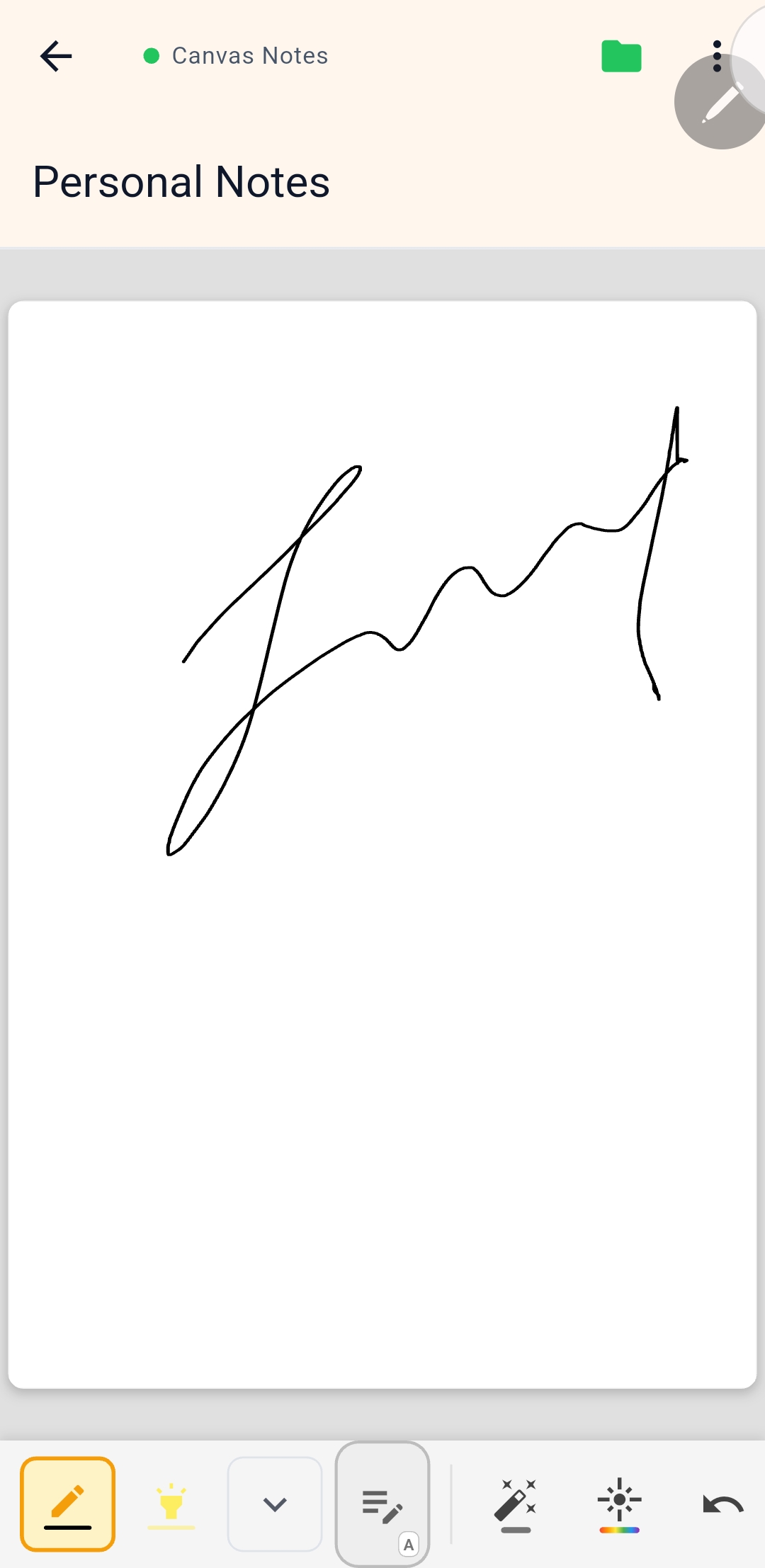
Sketch, handwrite, and plan visually.
Track items, quantities, totals, and routines.
Repeat rules, snooze presets, and an urgent channel.
Eleven planner families with a 2026–2099 year picker, editable like any page.
Import PDFs and export notes when needed.
Eleven planner families built as real, editable PenDate canvas pages — not flat PDFs — with an in-app year picker for 2026 through 2099. Preview every planner free today. Choose an individual planner purchase or a Pro plan in the app, subject to storefront and regional availability.
Five pressure-aware pens, an Ink Studio of colors and saved pens, and 15 page templates turn every note into a page worth keeping.
No account or ads. Core planning and writing stay free. Planner families and Signature packs are optional one-time purchases; Pro offers monthly, yearly and lifetime choices where available.
Everything below works offline, with no account.
Unlock all eleven planner families and every supported year from 2026 through 2099. Individual planners are available in some stores.
Monthly and yearly Pro renew automatically until canceled. Lifetime Pro and individual planner purchases have no recurring charge. The store shows the price and billing period before purchase. Restore purchases recovers valid access on compatible devices using the same store account; Android and iOS purchases do not transfer between stores.
Install the app, create your first dated note, and bring in calendar events when you want your schedule nearby.
Read the getting started guideUnderstand the opt-in, default-off preview, its build availability, and how account link, relink, and disconnect behave.
Open the Google Drive sync guideSee how handwriting, sketch notes, PDF import, and export fit into the wider note workflow.
See canvas and PDF workflowsThe Home, Features, Planners and Support pages are published in English, Español, and Français at their own URLs. Guides, privacy, and terms remain available in English.
Choose the same language family for the homepage and support experience that users see in the app's generated UI localizations.


