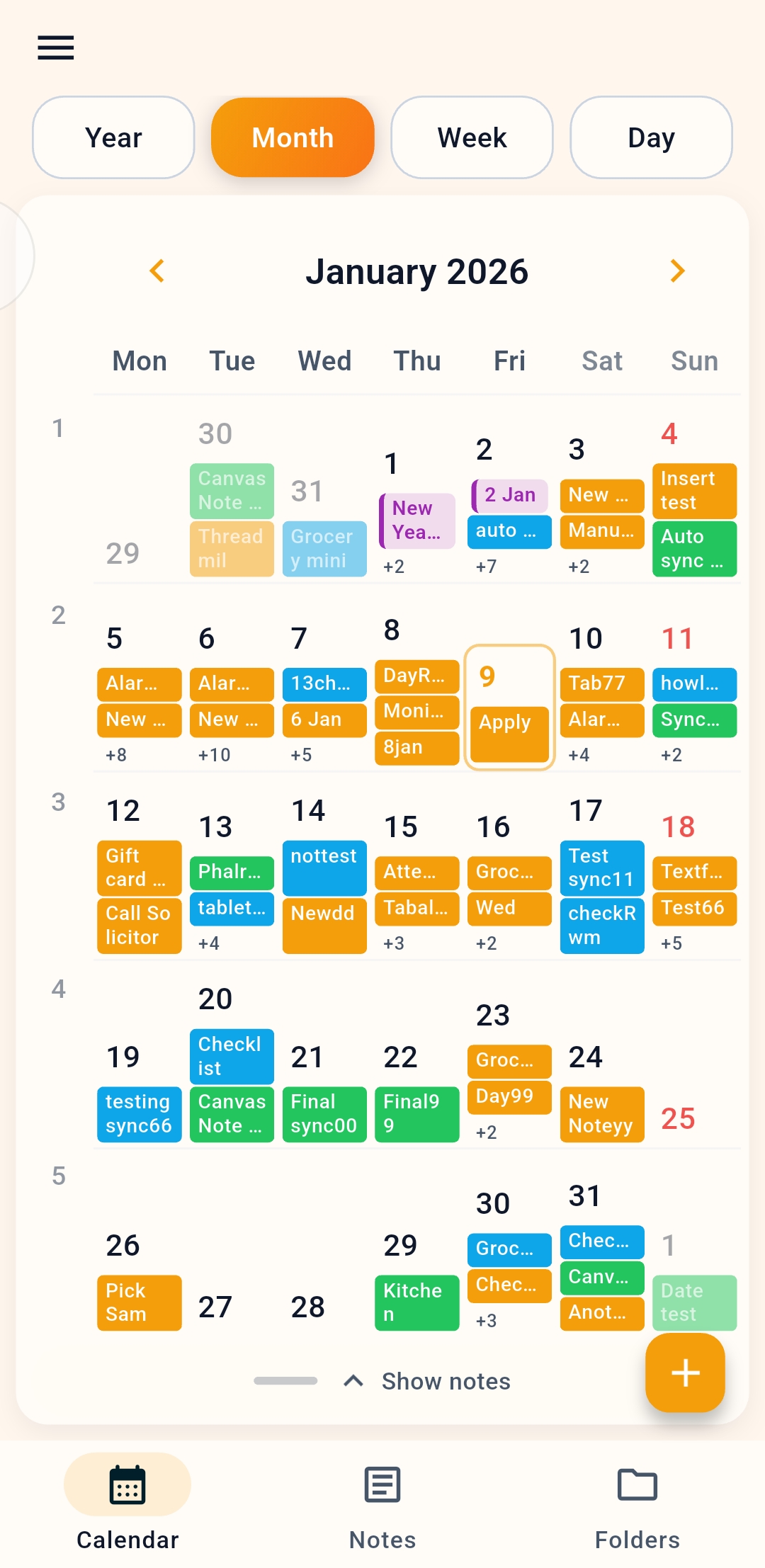
Explore everything in PenDate Notes: calendar planning, device calendar import, dated notes, handwriting and ink tools, checklists, reminders, planner families for 2026–2099, PDF tools, organisation, the opt-in Google Drive sync preview, and Android and iOS availability.
01Plan by date
Start from the calendar, not a blank inbox.
02Bring events in
Import schedules from supported device calendars.
03Choose the note type
Text, canvas, checklist, folders, covers, and PDFs.
04Sync when needed
The Google Drive sync preview is opt-in and off by default; the app never requires you to sign in.
Calendar planning
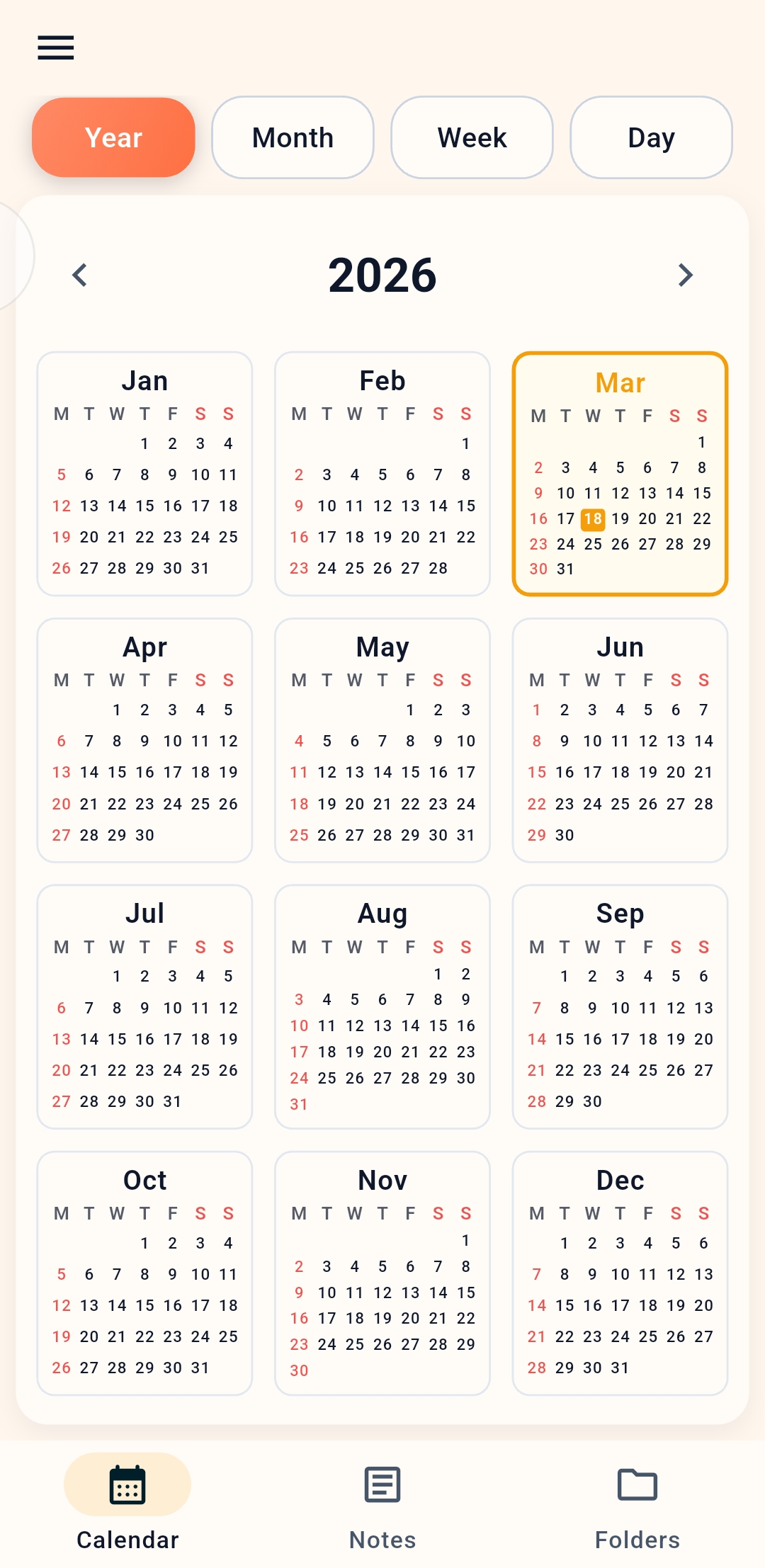
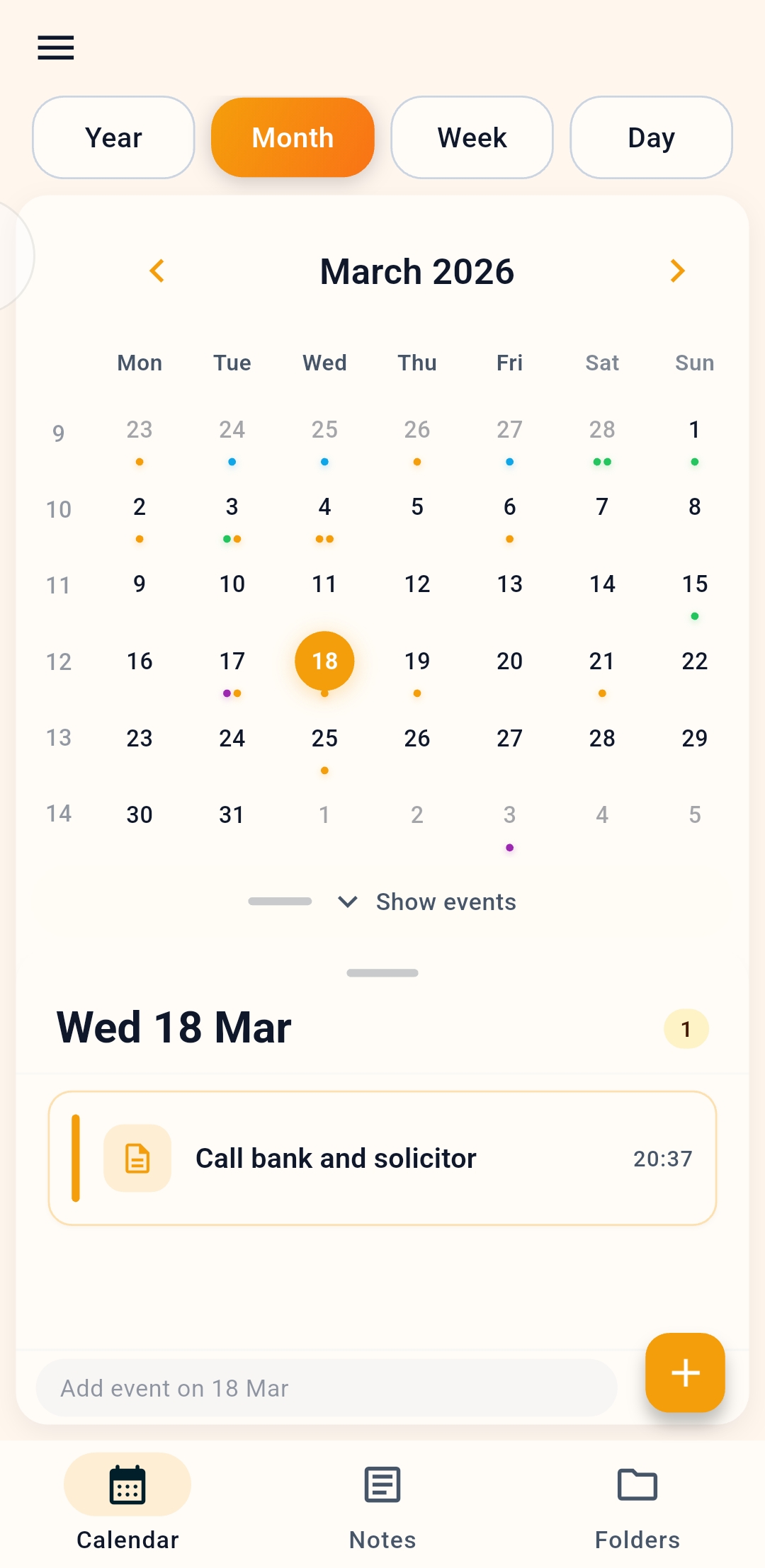
Calendar navigation sits at the center of the app. Move between year, month, week, and day views to see where notes, events, and reminders live.
Create notes directly from calendar dates.
Create events when timing matters.
See note density and upcoming work from different calendar scales.
Press and hold a note or event in Day or Week view and drag it to a new time or day — rescheduling is a gesture, not a form.
Events and calendar import
PenDate Notes reads the calendars already on your device — Google Calendar and Samsung Calendar on Android, the system calendar on iPhone and iPad — and brings those events into your planning view. Imported events stay linked to their source calendar, and nothing is uploaded to PenDate. Quick edits and deletions you make in PenDate are written back to the device calendar you chose.
Bring existing schedule items into the planning view instead of rebuilding your calendar from scratch.
Keep event context close to notes, checklists, reminders, and canvas pages.
Full repeat rules — daily through yearly, every-N days, and weekday occurrences like "second Tuesday" — with scoped edits for this event, this and all future, or the whole series.
Notes, folders, and covers
Text notes are the everyday note type: quick capture, entries tied to a date, and covers that make the ones you keep returning to easy to spot.
What users can do
Write with headings, lists, quotes and tables, then drop in a photo, a voice recording, a link, or any file — all linked to a date.
Organize notes inside folders when work grows beyond one date.
Use covers to make high-value notes easier to spot visually.
Why it matters
This keeps the app from feeling like an endless note dump. It supports both daily planning and longer-running projects.
Canvas notes and handwriting
When thinking is faster with a pen, canvas notes turn the app into a paper-like workspace with a full ink system.
Ink and tools
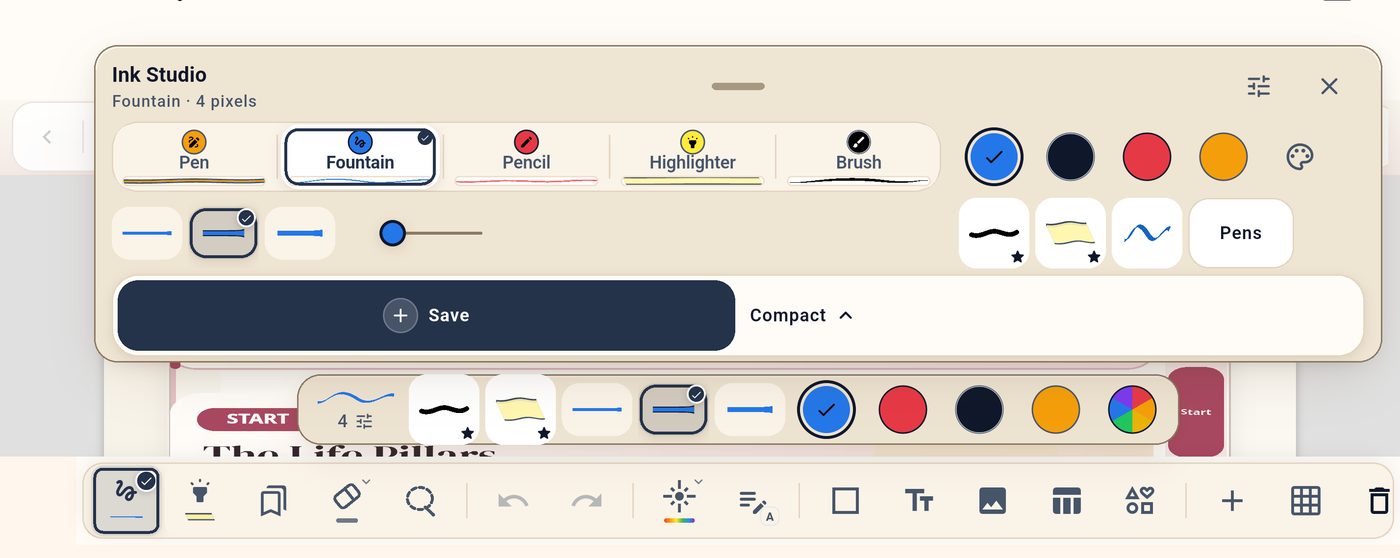
Five pen types — pen, fountain pen, pencil, highlighter, and brush — respond to speed and pressure.
The Ink Studio keeps favorite colors and saved pens one tap away, tuned for S Pen and Apple Pencil.
Shapes, text boxes, tables, stickers, lasso selection, laser pointer, and a finger-drawing toggle for stylus-only writing.
Lasso any part of a page and save it as a reusable sticker, or build your own labels from the sticker sheet.
Pages and recognition
15 page templates across paper, planning, study and creative: blank, wide and narrow lined, grid, dot grid, isometric, checklist, daily notes, meeting notes, habit tracker, kanban, Cornell, mind map, storyboard, and music staff.
Multi-page notebooks with thumbnails, a page overview, and a drag-to-reorder page sorter.
Everything autosaves as you write. If the app closes mid-page, or the note changes elsewhere, your work is kept as a recovery draft instead of being lost.
Convert handwriting to text in Latin, Chinese, Japanese, Korean, and Devanagari scripts.
Checklists and structured task notes
Not every note is freeform. Checklist notes support sections, priorities, per-item notes, tags, due dates, and per-item alarms — and a dedicated shopping mode adds quantities and running totals.
Save and reuse checklist templates, paste lists straight in, and pin favorite suggestions.
Reset completed items to run the same routine again tomorrow.
Set a "notify me" alarm on individual items when timing matters.
Reminders that respect your schedule
A dedicated Reminders screen keeps everything visible in Upcoming, Snoozed, Overdue, and Completed buckets, with delivery tuned for each platform.
Repeat rules that fit real life
Daily, weekly, monthly, yearly, every-N, weekday-occurrence rules like "the second Tuesday," and last-day-of-month.
End a series after a number of times or on a date.
Snooze presets: 10 minutes, 1 hour, 3 hours, tomorrow morning, or next week.
Event alerts
Alerts at start, on the day, or minutes, hours, days, or weeks before.
Multiple custom alerts per event.
An optional urgent notification channel for the reminders that must get through.
Journal Studio includes eleven planner families, each with an in-app year picker for 2026 through 2099. Their included 2026 editions total 2,243 native, editable canvas pages across everyday, daily, work, student, wellness, budget, fitness, travel, creative, gratitude, and meal planning — not flattened PDFs.
Preview every planner free in the Discover tab — cover, page count, sections, and sample pages.
Buy an individual planner, or choose monthly, yearly or lifetime Pro for all eleven families where offered.
Signature covers and premium stickers come with the collection.
The note library is built for scanning hundreds of notes, not just storing them.
Structure
Nested folders with custom colors, plus tags, starred favorites, and note covers.
Pin the notes you live in to the top, duplicate one, or select many at once to move, star, cover, export, or delete them in a single pass.
A recycle bin keeps deleted notes for 30 days before permanent removal.
Finding things
Search with filters for starred, covered, and upcoming notes, grouped by date.
Eight library views: three grid sizes, list, simple list, gallery, masonry, and covers.
PDF workflows
PDFs are working material here, not attachments: bring one in, annotate it, and send it back out at print quality.
Import a PDF and annotate it directly — the original stays vector, so pages render sharply at any zoom.
Export vector-first PDFs in a single pass, up to 1,000 pages at a time; image export covers shorter runs.
Pick exactly what leaves the app: choose page thumbnails or type a range, then export as a vector PDF or as images.
Android: pick any destination folder with the system file picker. iOS: save to Files or straight to Photos.
Checklists export as Markdown with sections and item details, as CSV with quantities, prices, tags and notes, or as plain text.
Text notes export as a PDF, as Markdown, or as plain text, keeping images and recordings together.
Opt-in Google Drive sync preview
The app works offline without an account. Drive sync is an opt-in preview, off by default in supported store builds and unavailable in PenDate preview release builds.
In a supported build, link Google Drive only if you want a backup you control.
Foreground sync while the app is open keeps behavior clear and predictable.
Manual reconnect and relink flows are documented separately in the sync guide.