Start using PenDate Notes in five simple steps
Choose your platform, then start with one date, one note, and your existing calendar events if you want them nearby. PenDate Notes is available now for Android and iOS.
1. Choose your platform
Install PenDate Notes from Google Play for Android, or from the App Store for iPhone and iPad. You do not need to connect Google Drive or another account before using the core note features.


2. Start from a date
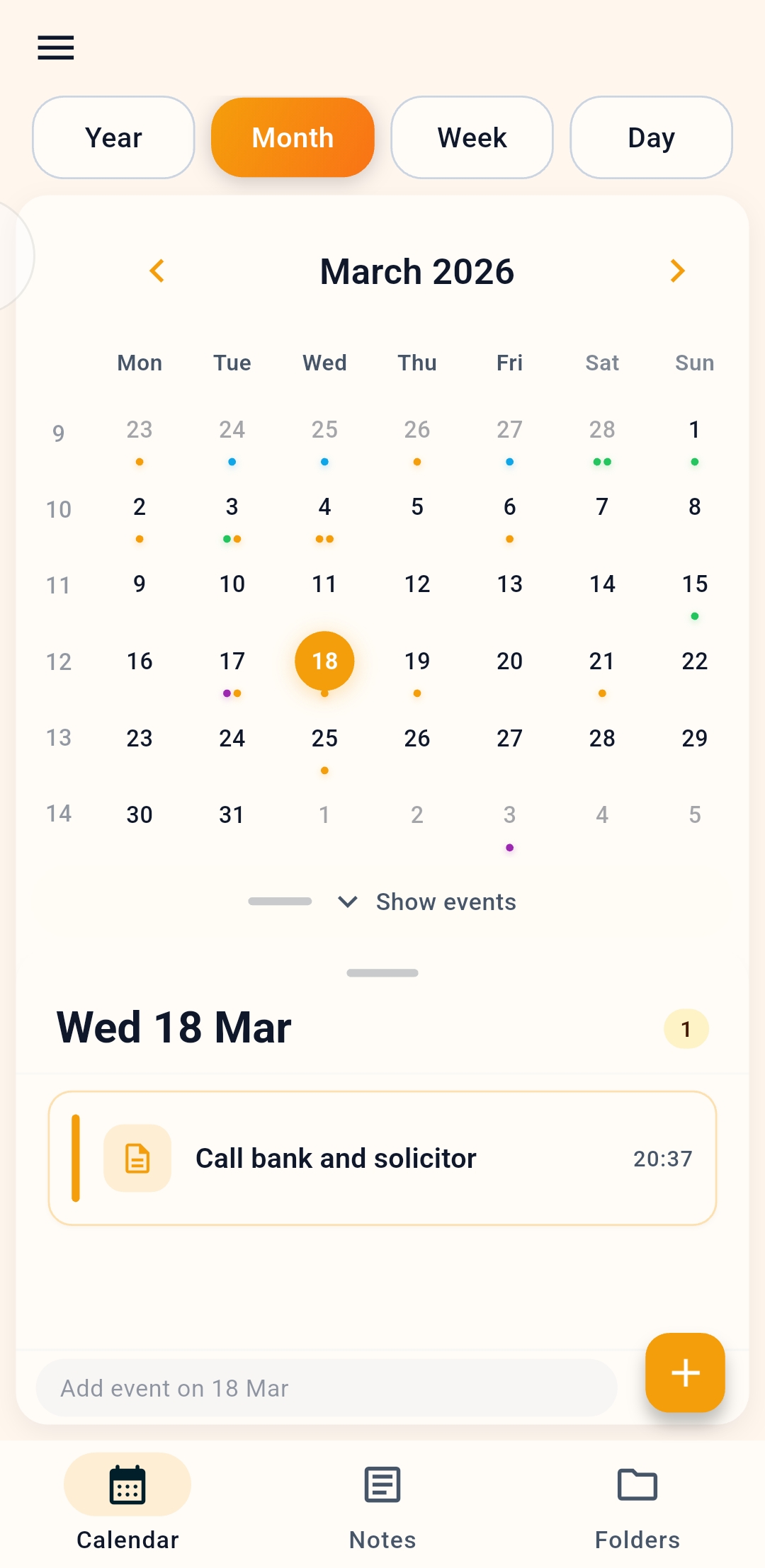
Open the calendar and tap the day you care about. Create a note or event there so your plan stays tied to the day it matters.
3. Import events if your schedule already exists
If you already use Google Calendar, Samsung Calendar, or another supported device calendar provider, import events where the platform allows it so PenDate Notes can work around your existing schedule.
4. Pick the note type that matches the job
- Text note: for writing, journaling, or standard planning.
- Canvas note: for handwriting, sketching, diagrams, or freeform pages.
- Checklist: for structured to-dos, shopping lists, and item tracking.
5. Add reminders or sync only when useful
Use reminders for notes that need a real alert. In a supported store build, the Google Drive sync preview is opt-in and off by default; enable it only when you want backup or continuity across reinstalls. It is unavailable in PenDate preview release builds.